
Compress any video, image or audio file
A free and open-source app to compress videos, images and audio on Mac, Windows and Linux, even to an exact file size. No sign-up, no uploads, no tracking.
macOS, Windows and Linux · Free forever
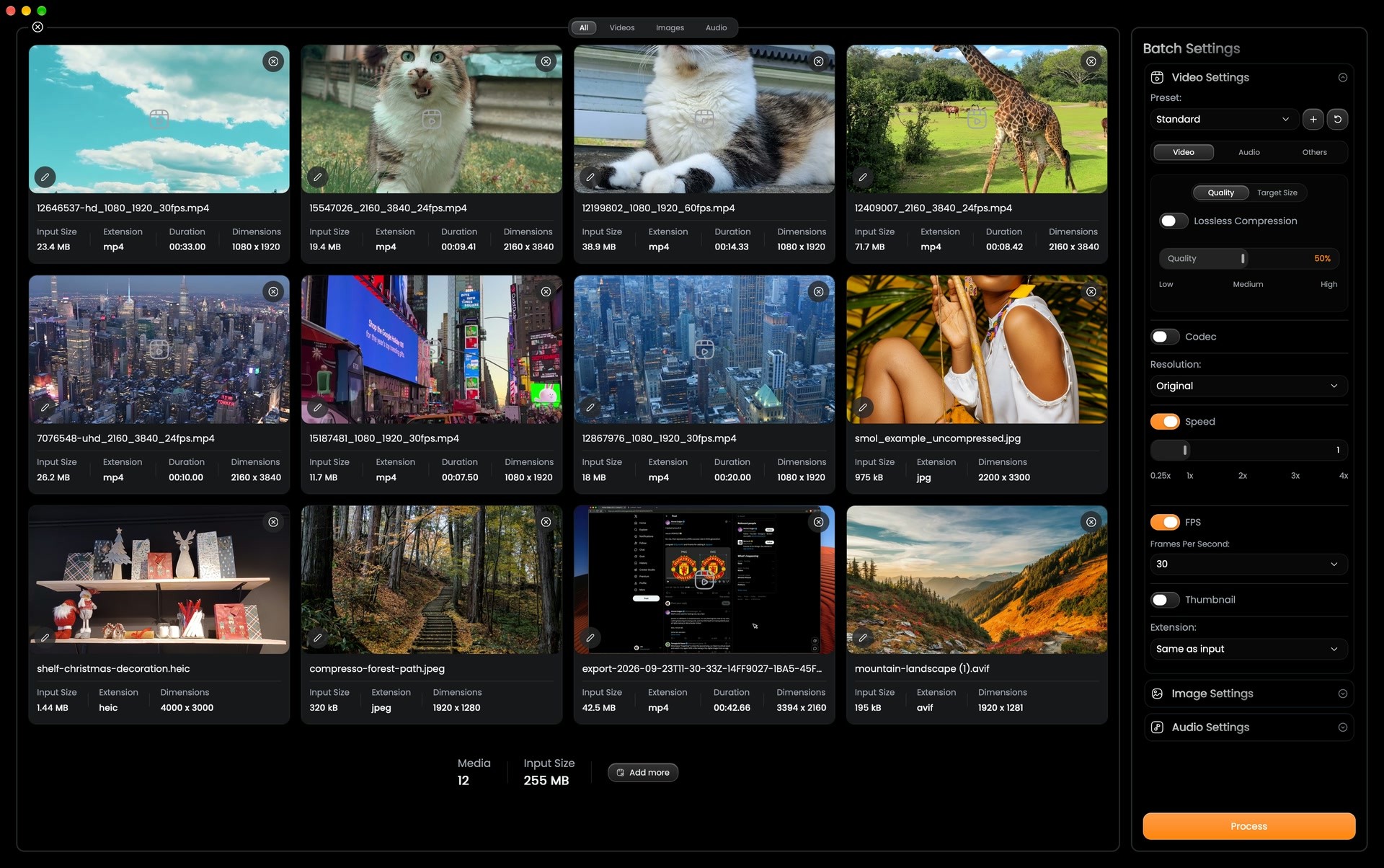
Powerful compression, without the complexity
Everything you need to make files smaller, in an app that stays out of your way.
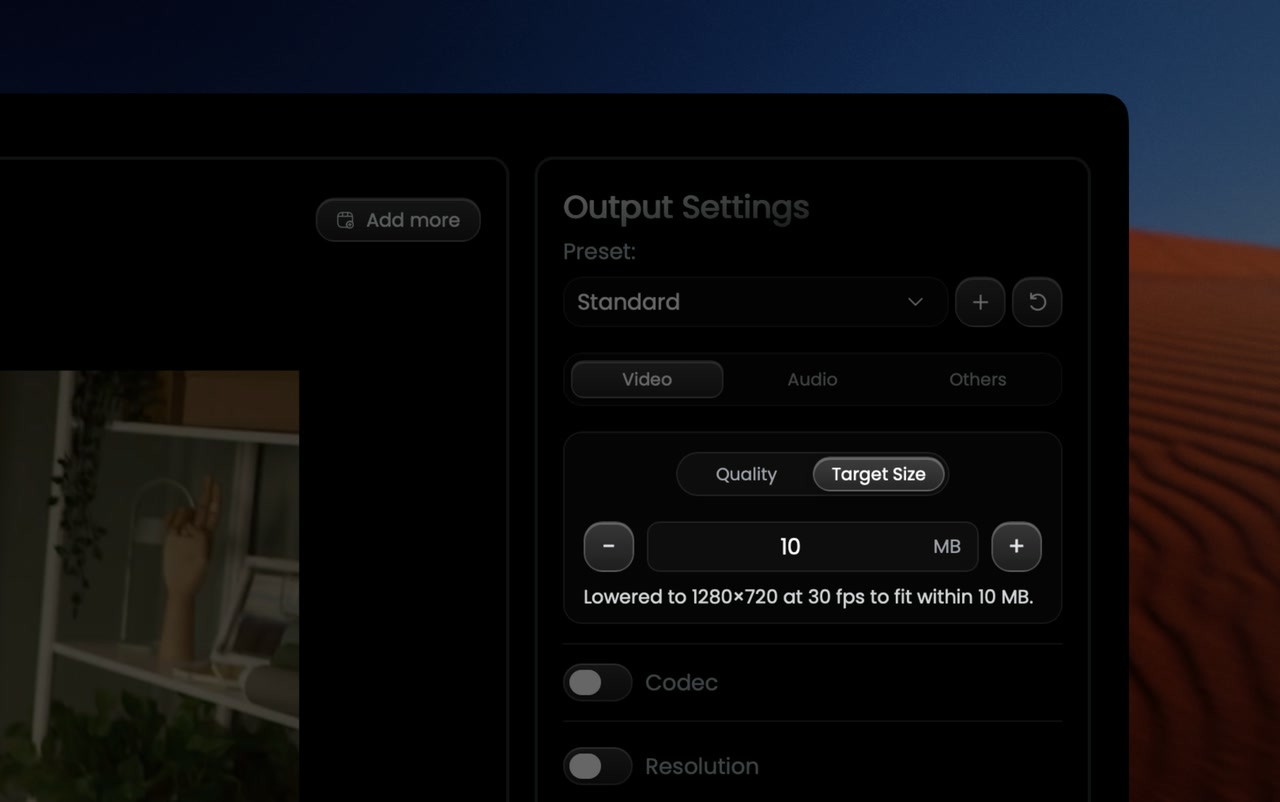
Compress to an exact size
Need a video under 10 MB for an email, or a photo under 500 KB for a form? Choose the size, and CompressO finds the best quality that fits, for videos, images and audio. Videos keep their resolution where they can, and you can pick another attempt if you prefer it.
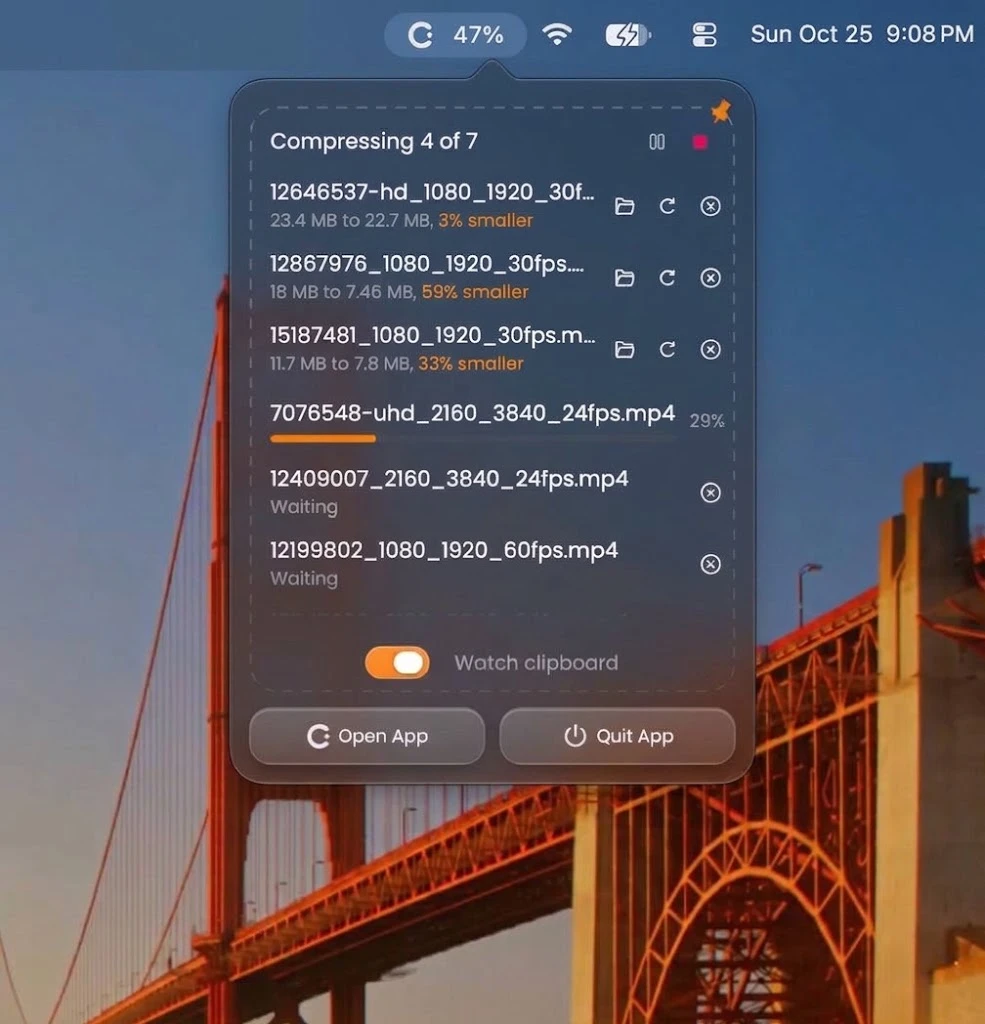
Compress from the menu bar
Drop or paste files on the menu bar on macOS, or the system tray on Windows. CompressO compresses them automatically while you keep working.
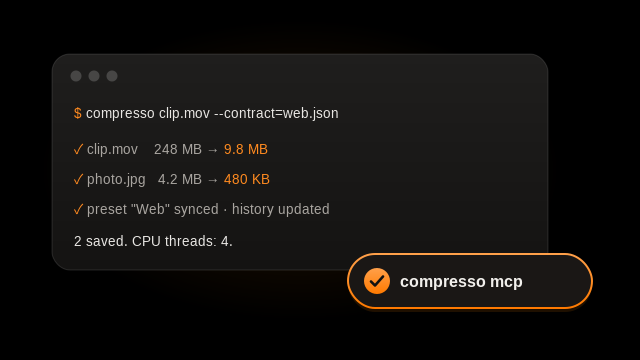
CLI and AI agents
Compress with the compresso CLI or 22 MCP tools for AI agents. Use JSON contracts, manage presets and watch folders, cap CPU threads per run, and inspect files silently in the background.
Watch folders
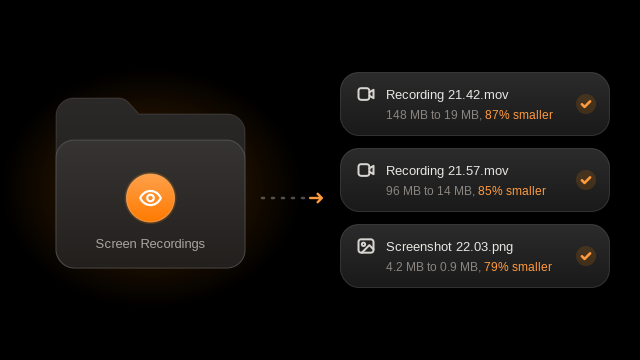
Choose a folder, such as your screen recordings or downloads, and every new file in it is compressed automatically.
Presets & JSON contracts
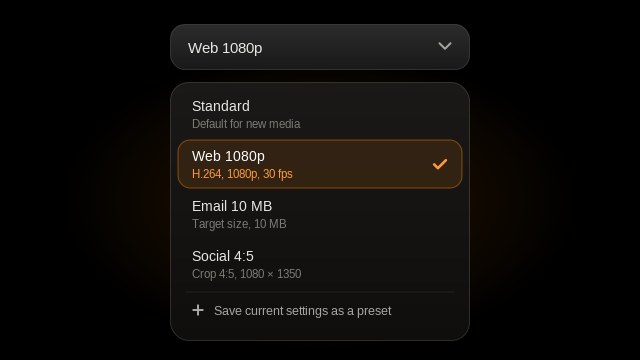
Save the settings you use most with custom save folders and naming templates, or export and import them as portable JSON contracts.
Batch compression
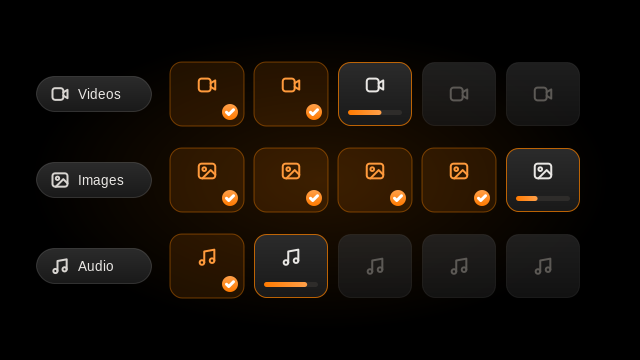
Compress whole folders at once, keep their folder structure, and pause at any time. Videos, images and audio are compressed side by side.
Hardware acceleration
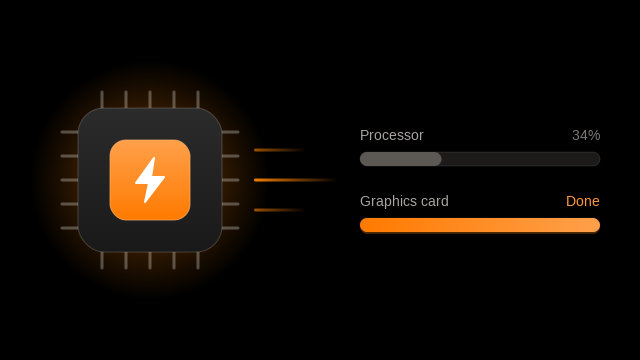
Use the graphics card to compress videos faster, on Mac, Windows and Linux.
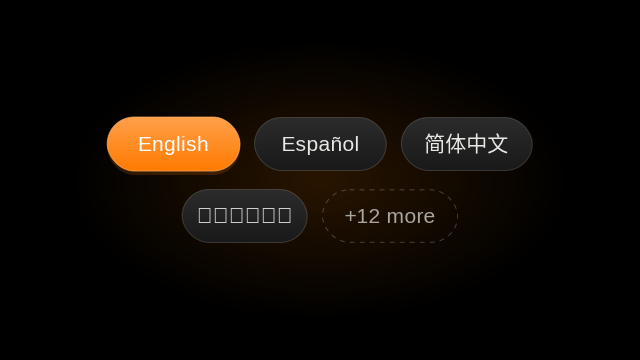
Speaks your language
Available in 16 languages, including Chinese, Spanish, German, Japanese and Hindi.
And much more
The details that make compressing files quick and pleasant.
-
HDR
Keep HDR photos and videos bright, boost standard ones up to 8×, or remove HDR.
-
Clips
Split compressed videos into equal or timed clips with stream copy.
-
Edit before you compress
Trim, crop, straighten, rotate and flip, with a live preview.
-
See the difference
Compare the original and the compressed file before saving it.
-
Compression history
Every compression, and the space saved in total.
-
Format conversion
Convert between video, image and audio formats.
-
Audio compression
Compress audio files, or extract the audio of a video.
-
GIF tools
Create GIFs from videos and compress existing GIFs.
-
SVG conversion
Convert SVG to PNG, JPEG or WebP, and back.
-
Video controls
Codec, quality, resolution, frame rate and speed.
-
Audio controls
Add external audio tracks, or adjust codec, volume, channels and bitrate.
-
Maximum CPU cores
Limit CPU encoding threads globally or per CLI/MCP job.
-
Subtitles
Add, keep and extract subtitle tracks.
-
Metadata
Edit, keep or remove titles, dates and other details.
-
Custom thumbnails
Choose the thumbnail shown for a video.
-
Media information
Streams, codecs, chapters and EXIF data.
-
Clipboard
Paste files to compress, and copy the results.
-
Saving your way
Ask every time, save to a folder, next to the original, or replace it.
-
Modern image formats
Open and convert JPEG XL, HEIC and AVIF images.
-
Open with CompressO
Open files from Finder or File Explorer.
-
Keeps the computer awake
Long compressions are not interrupted by sleep.
-
Completion sound
Hear when a compression is done.
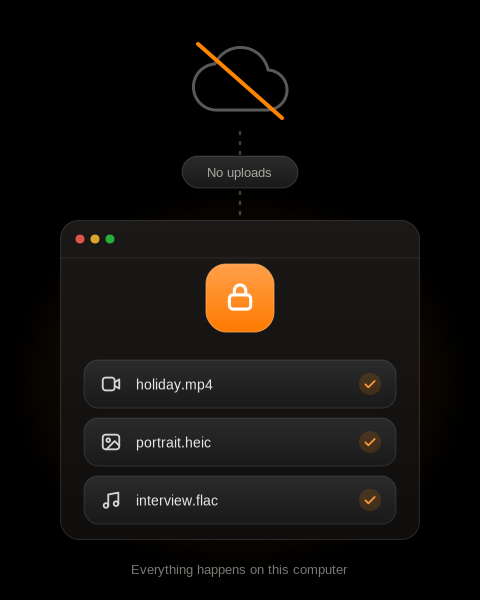
Your files stay yours. Always.
Unlike online compression services, CompressO never uploads your files. It does all the work on your own computer.
Works offline
No internet connection is needed to compress.
No account
No sign-up, no login and no email address.
No limits
No file size limits and no daily quotas.
No watermarks
Your files stay exactly as you made them.
No tracking
The app collects no data about you or your files.
Stays on your computer
Files are never uploaded anywhere.
Free and open‑source. Forever.
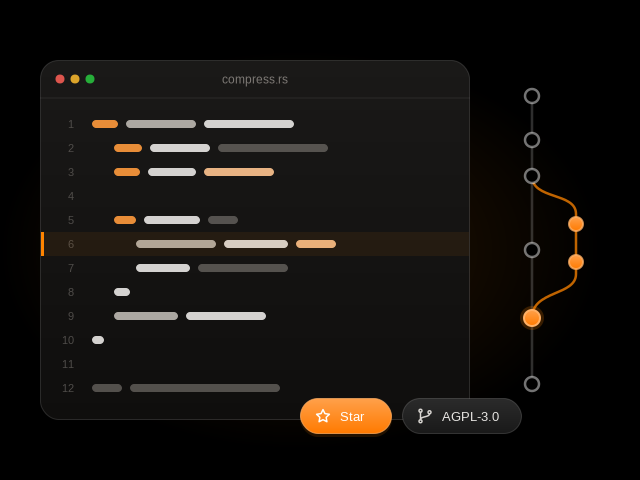
The full source code is on GitHub. Read it, improve it, or build on it. Licensed under AGPL-3.0, with no hidden costs and no premium tiers.
Ready to compress?
Free for macOS, Windows and Linux.
macOS
macOS 13 or newerbrew install codeforreal1/tap/compresso