CompressO 4.0 is here
Compress videos, images and audio to an exact size, from the menu bar, or automatically from a folder. CompressO 4.0 is our biggest release yet: redesigned from top to bottom, and much smaller to download.
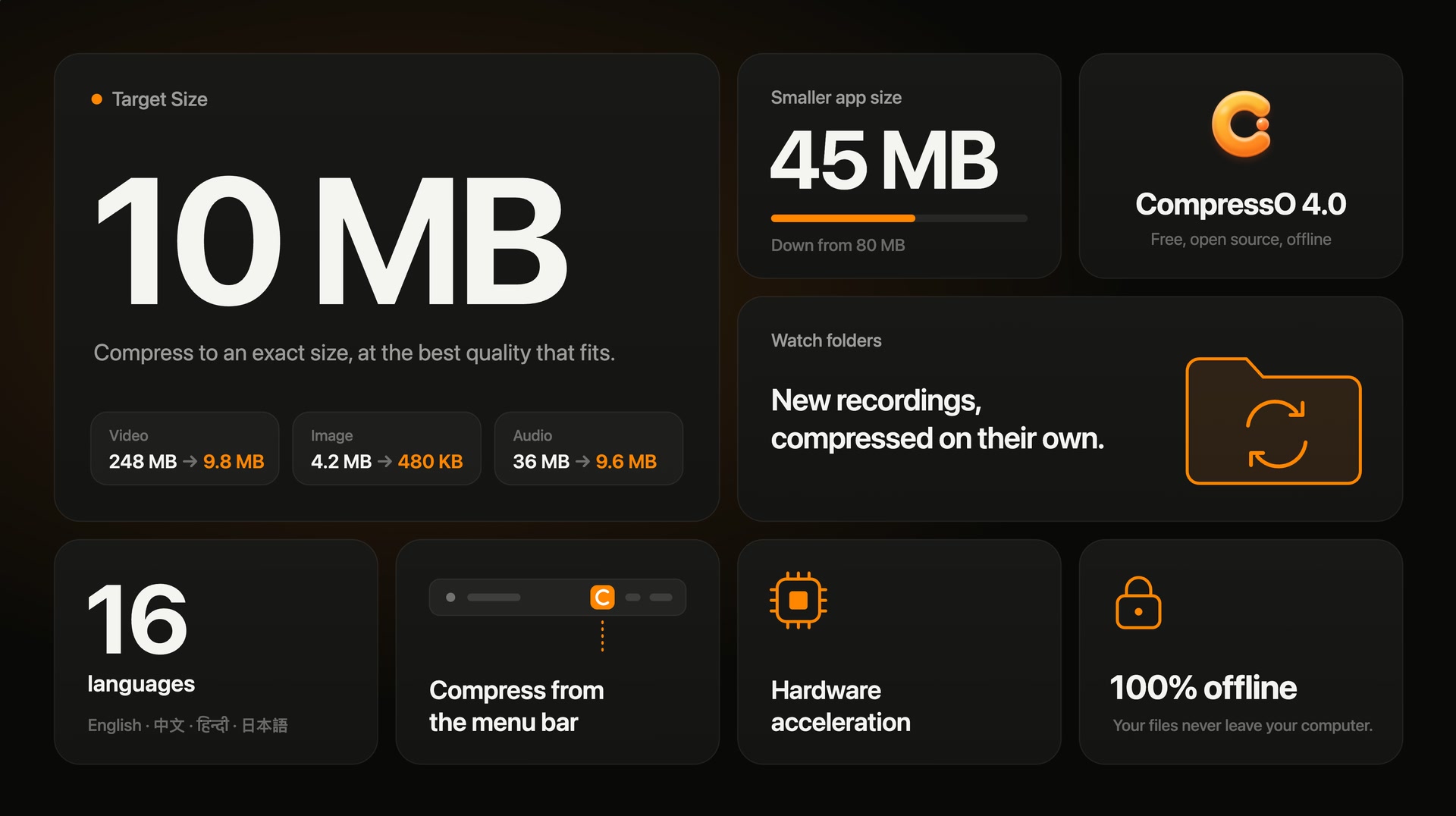
CompressO 4.0 is here, and it is the biggest update since the very first version.
Over the past months, we rebuilt almost every part of the app. It has a new design, it is much smaller to download, and many of the features below started as suggestions from people like you. This release answers many of the most common requests.
CompressO is still what it always was: free, open-source, and completely offline. Your files never leave your computer. Here is what is new.
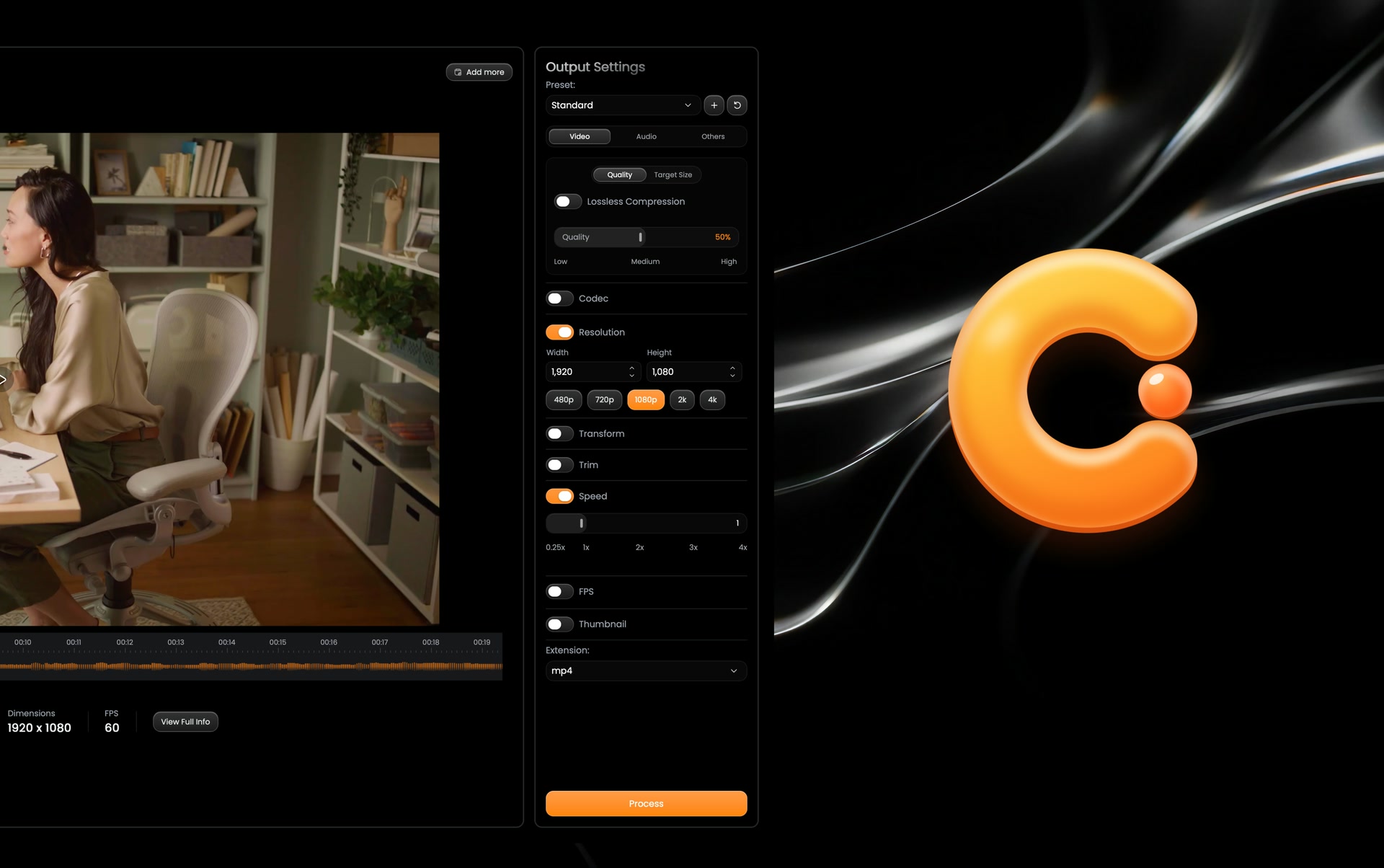
A fresh new look
The first thing you will notice is the design. Every screen of CompressO has been redesigned from the ground up. It is calmer, clearer and easier to use, and the app has a brand new logo and icon to go with it.
Compress to an exact size
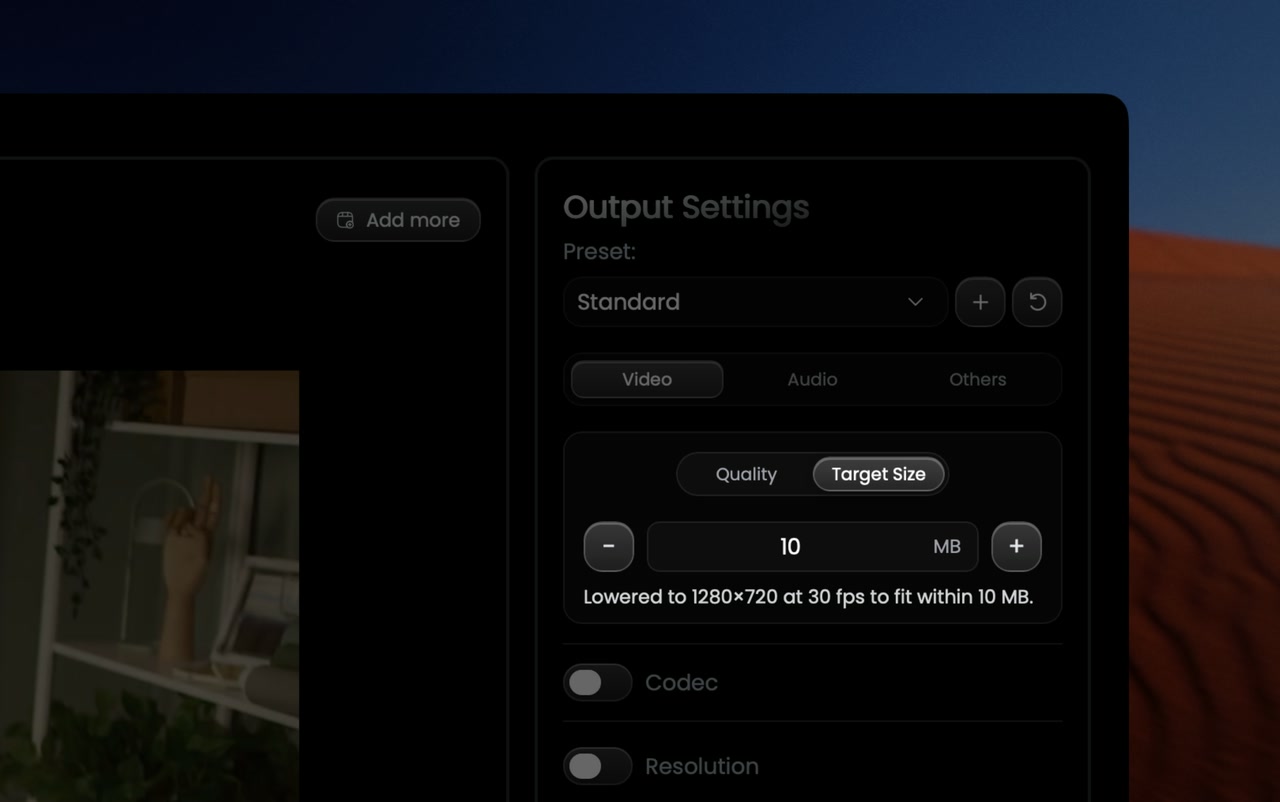
This was one of the most requested features, and it is our favorite part of this release.
Chat apps and email often limit attachments to a certain size, like 10 MB or 25 MB. Until now, getting a video under that limit meant guessing: compress, check the size, and try again. With Target Size, you simply type the size you need.
CompressO then does the guessing for you. It estimates the result from short samples of the video before compressing, keeps the original resolution whenever it can, and retries until the video fits. Every attempt is kept, so if you prefer another one, you can pick it right under the result.
Target Size works for images and audio too. A photo can be made to fit under 500 KB for an upload form, at the highest quality that fits, and a recording can be brought under the limit of a voice message.
Compress from the menu bar
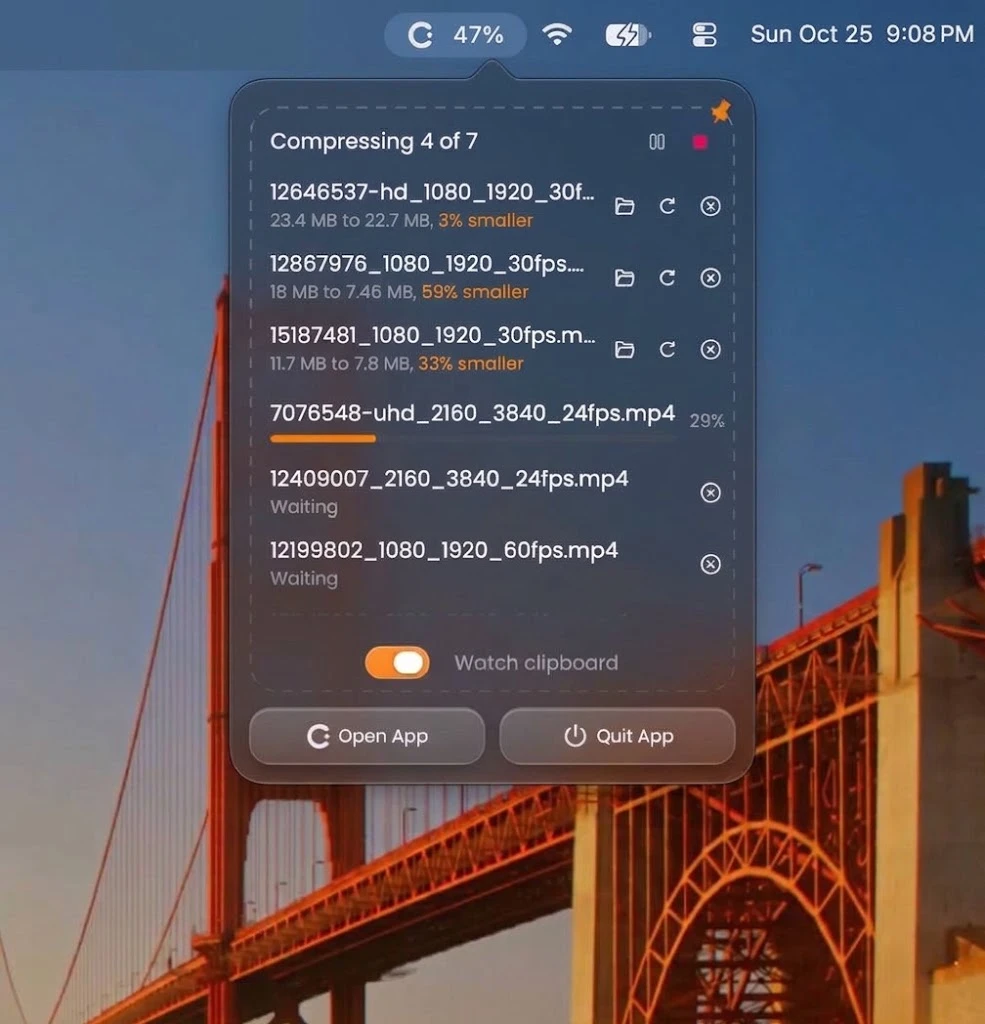
Sometimes you just want a file smaller, without opening an app. The new drop zone lives in the menu bar on macOS and in the system tray on Windows. Drop or paste files on it, and CompressO compresses them in the background while you keep working.
The drop zone shows each file’s progress and how much smaller it became, and it can even watch your clipboard, so copied files are compressed automatically.
Watch folders
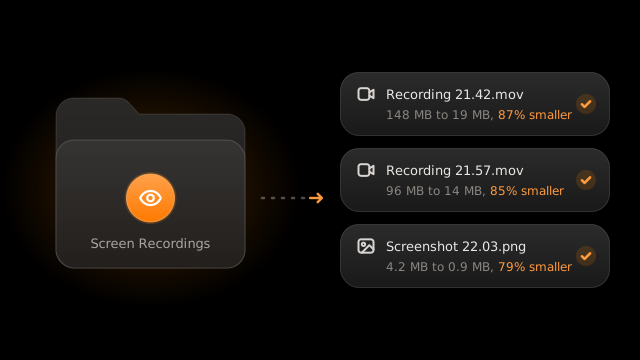
If you record your screen or download a lot of media, you will love this one. Choose a folder, such as your screen recordings or downloads, and every new file that appears in it is compressed automatically with the presets you choose.
CompressO is careful about it: it waits until a file has finished saving, skips temporary files and partial downloads, and never compresses its own results again, even when they are renamed or moved.
Presets
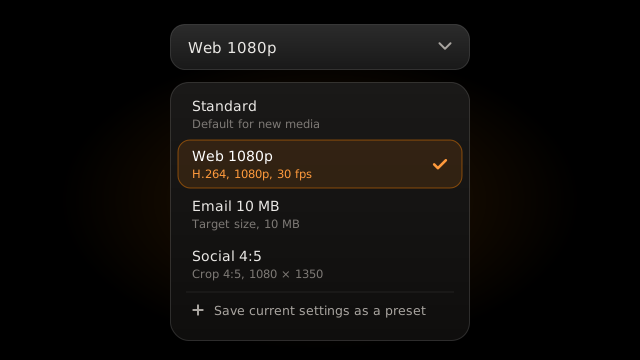
Save the settings you use most as presets, for video, images and audio, each with its own save location. Presets work everywhere: in the app, in the drop zone and in watched folders.
Batches that keep moving
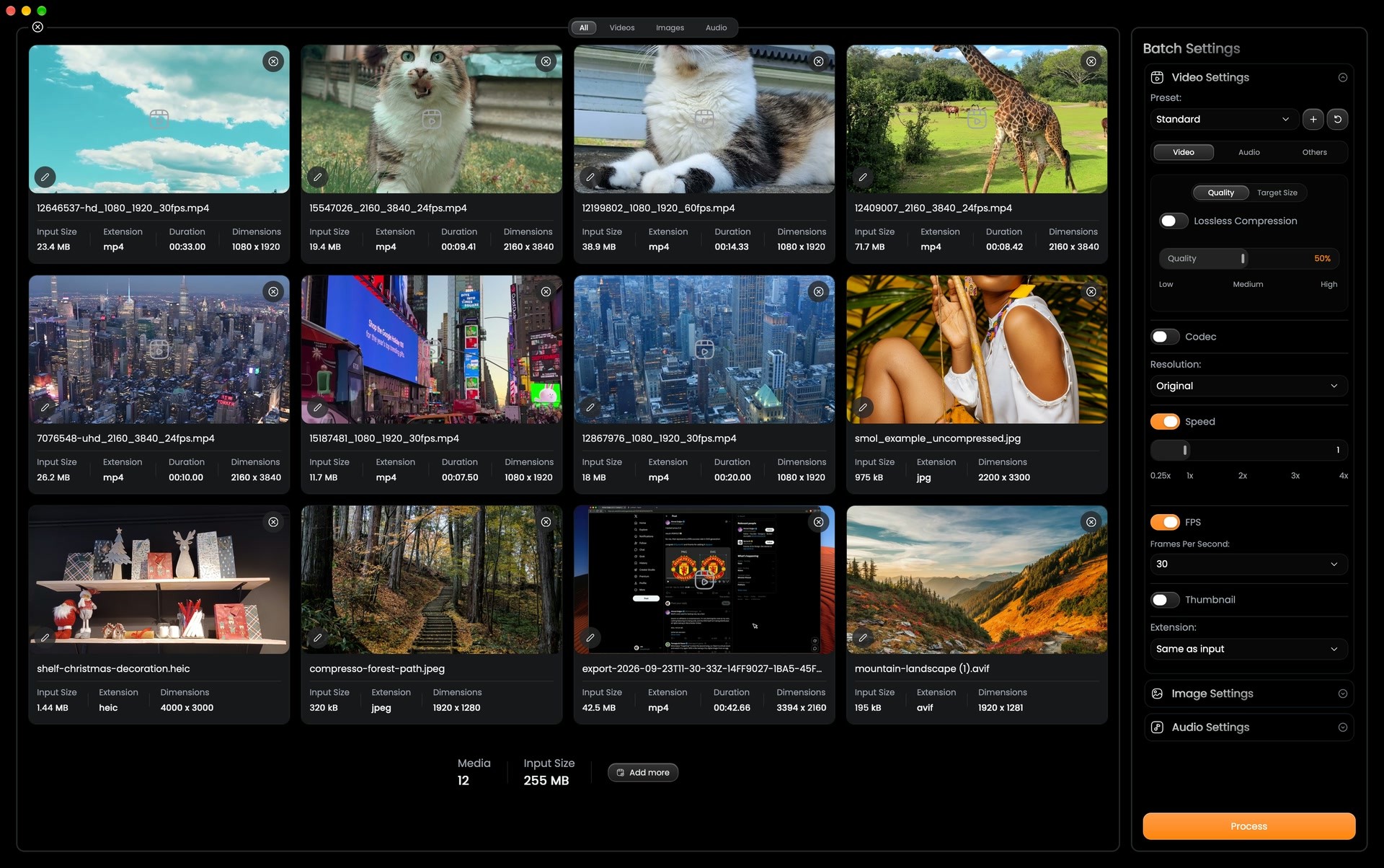
Batch compression got a lot of love. Drop in whole folders and CompressO keeps their structure. Videos, images and audio are now compressed side by side, so a long video no longer holds up a quick image, and if one file fails, the rest of the batch carries on.
Audio, and more formats
CompressO now compresses audio too, and can extract the audio of a video. We also added support for many new formats, including JPEG XL, HEIC, AVIF, BMP, TIFF, M4V, MTS, M2TS and TS.
Faster than ever
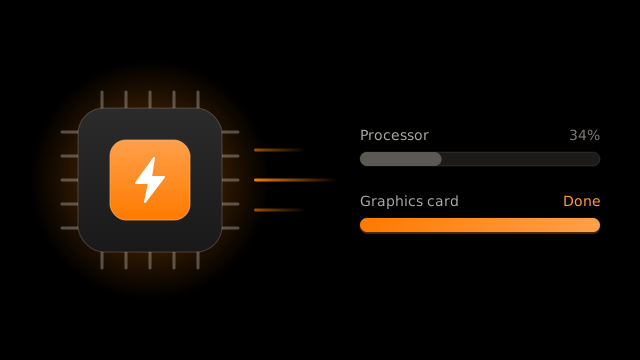
With hardware acceleration, CompressO can use your graphics card to compress videos much faster, on Mac, Windows and Linux. AV1 videos are also compressed far faster than before.
A much smaller app size
CompressO 4.0 is also much lighter. The app size used to be around 75 to 80 MB. It is now about 45 to 50 MB, even though the app does far more than before.
The compression tools inside CompressO are now packed much more tightly. They are unpacked and checked on the first launch, and repaired automatically if anything is ever damaged, so you get a smaller download without giving anything up.
CompressO speaks your language
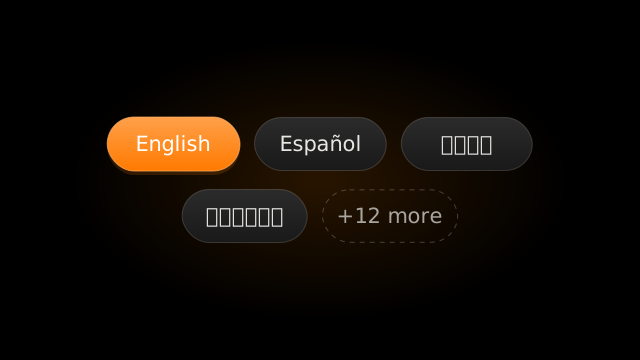
CompressO is now available in 16 languages: English, Simplified and Traditional Chinese, Spanish, Portuguese, German, French, Russian, Japanese, Korean, Polish, Turkish, Italian, Indonesian, Vietnamese and Hindi.
And much more
There is a lot more in this release, along with a long list of bug fixes. You can find every change in the changelog.
Get CompressO 4.0
CompressO 4.0 is available now for macOS, Windows and Linux. If you already have CompressO, it will offer the update by itself. Otherwise, download it here, or on macOS, install it with Homebrew:
brew install codeforreal1/tap/compressoThank you
CompressO is built in the open, and this release would not exist without everyone who reported a bug, suggested a feature or simply told a friend about it. Thank you.
If you find a problem or have an idea for the next version, open an issue on GitHub. We would love to hear from you.